
Windows software
GeoAlign
Choose a city for Chrome.
Open a separate Chrome window with that city’s coordinates, time zone and language. Your public IP address stays the same.
Free preview · Windows x64 · 80.0 MB ZIP
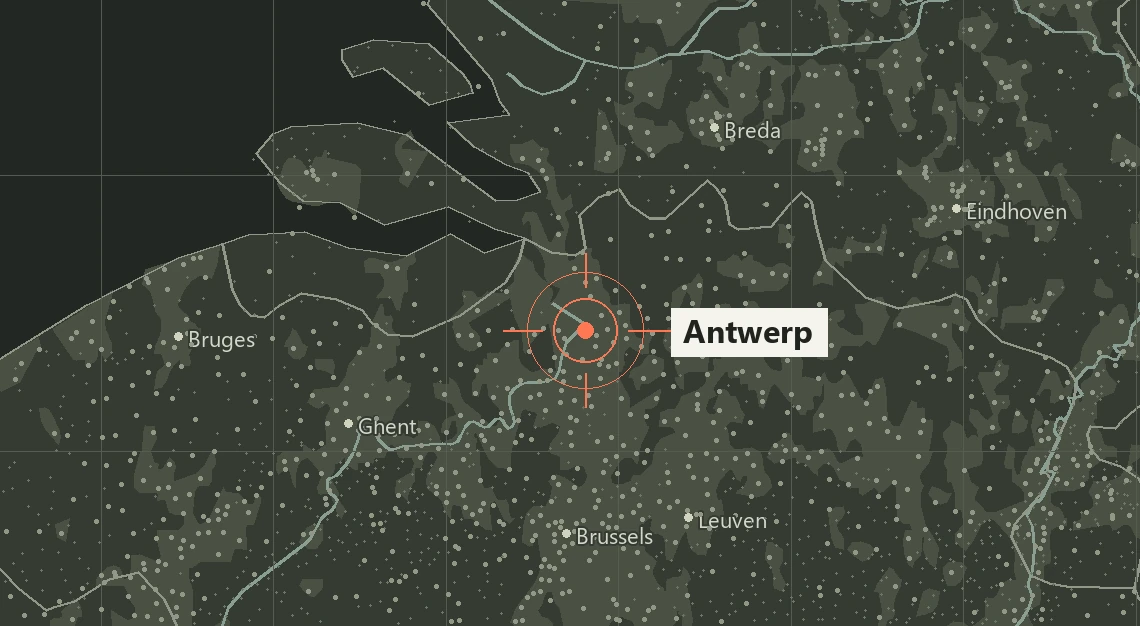
- Coordinates
- 51.2194° N
4.4025° E - Time zone
- Europe/Brussels
- Language
- Dutch (nl-BE)
Get started
You’ll need an Intel or AMD 64-bit Windows PC with Google Chrome installed.
Install GeoAlign
Extract the ZIP, run GeoAlignSetup.exe and choose Open GeoAlign now. The Windows runtime is included.
Choose your city
Search the offline catalogue, then select the matching city and region. Check the time zone and language in the app.
Open Chrome
Choose Open browser. Chrome opens a separate profile. You decide which sites can use its selected location.
About this preview
Tested on Windows 11 x64 with Chrome 152. The installer also allows Windows 10 x64, which has yet to be tested.
This installer is unsigned. If Windows or your organisation blocks it, check with your administrator before proceeding.
Browser and network limitations
Sites that choose your region from your IP still see your usual connection. GeoAlign’s network-routing feature is disabled in this preview. Compatibility with Techloq filtering remains unverified.
In Chrome 152, closing one tab can reset another tab’s time zone or language. Save your work before closing tabs.
Windows download
- Version
- 0.3.0-network-foundation
- ZIP size
- 80,024,342 bytes
ZIP checksum SHA-256
80828B9B4923F8E92123157C692A9377A22A7B497A5F8950D5E63F1F490701EF
Download the preview ZIP